
Pick the places.
Michiplan plans your Japan itinerary, day by day.
Bring your list. Each day is ordered around train, bus and ferry times and opening hours, so you see more and double back less.
Free while in beta · Up to 5 trips · No card needed
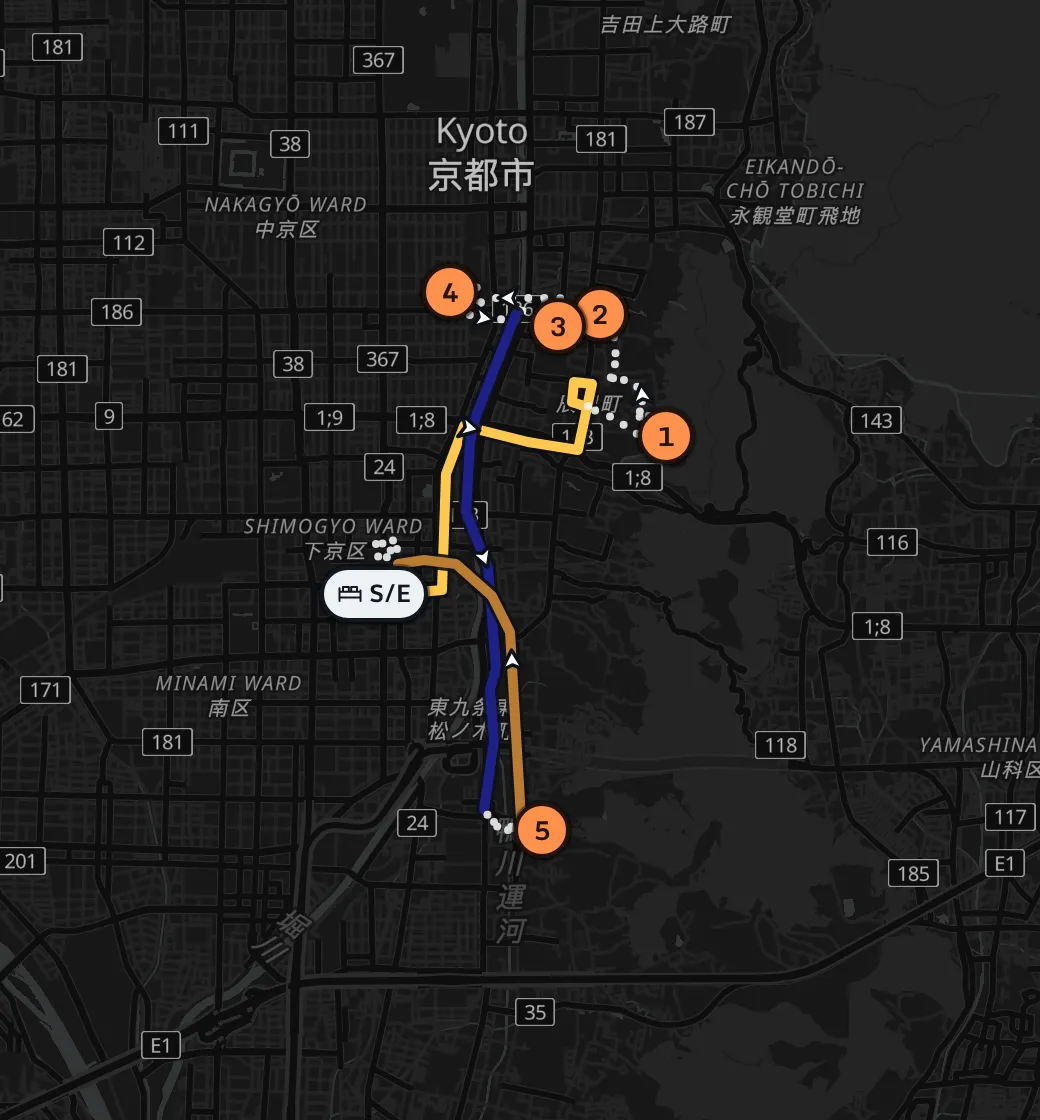
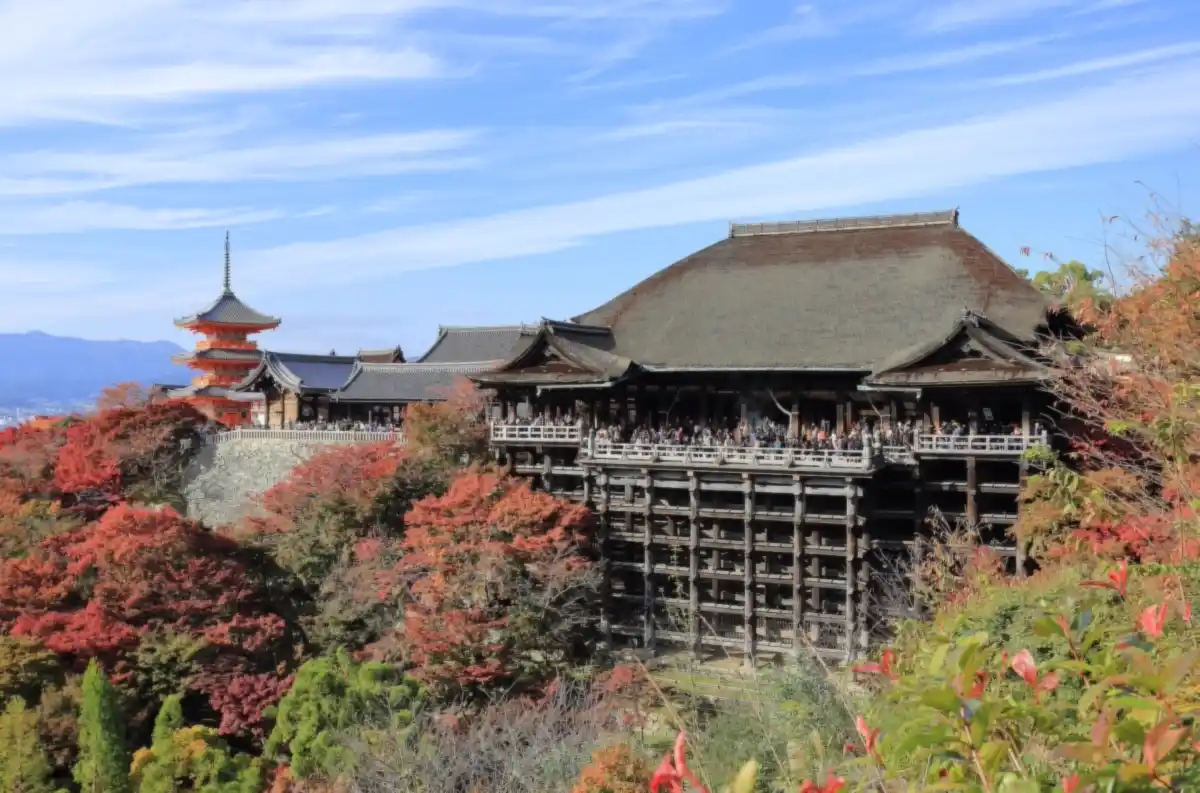
Calculate & tune: 12 of 12 places in 3 days. Day 1, Sun, Nov 8: Kiyomizu-dera 06:50, Yasaka Shrine 09:37, Gion Quarter 10:13, Nishiki Market 11:26, Fushimi Inari Taisha 12:54.
How it worksFour steps
From a list of places to a plan.
- 1DatesAdd your travel dates. Not sure yet? Skip it and come back later.
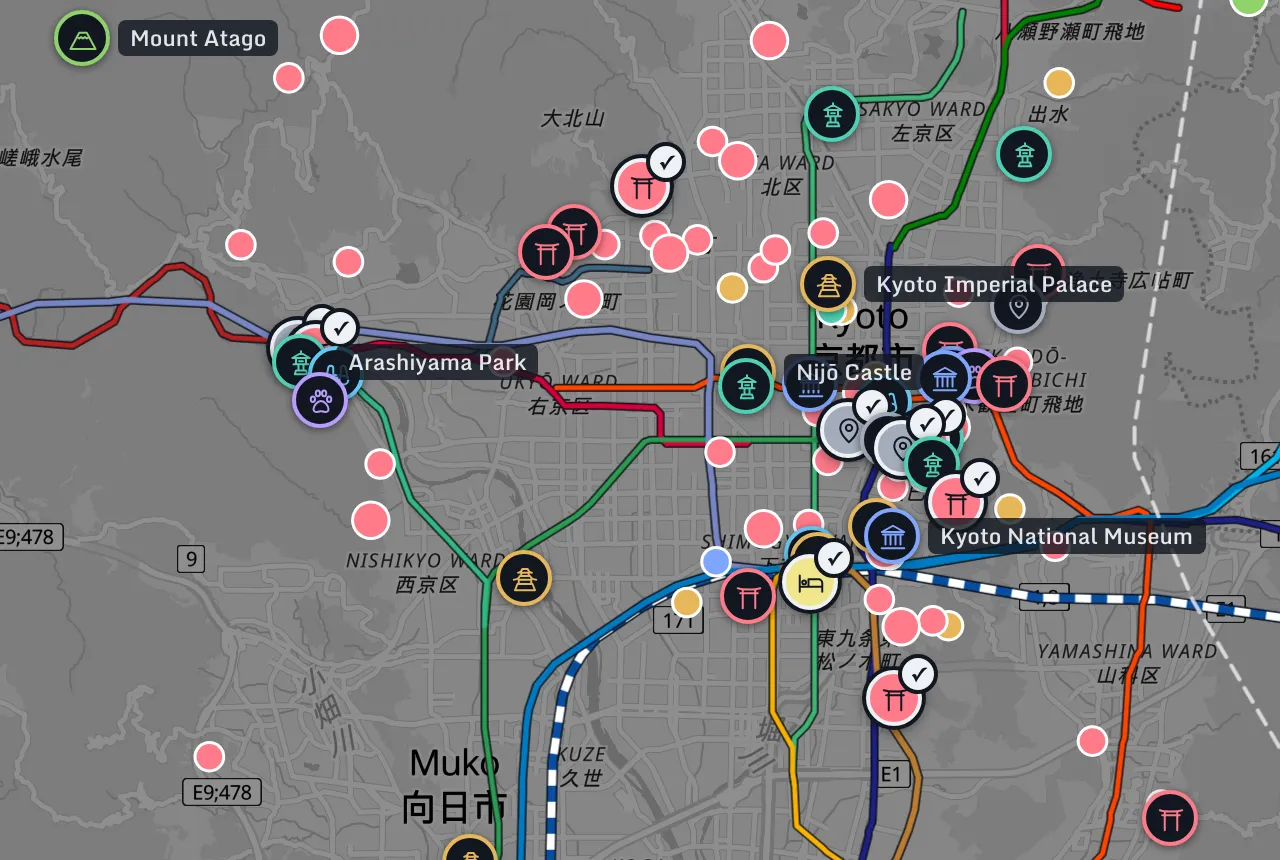
- 2ExploreBrowse the map and add the places you want to see.
- 3ShortlistGive each place 1 to 5 stars for how much you want it. Opening hours are filled in where we have them.
- 4Calculate & tunePress Calculate and every day is planned. Move anything you like, and the times update.

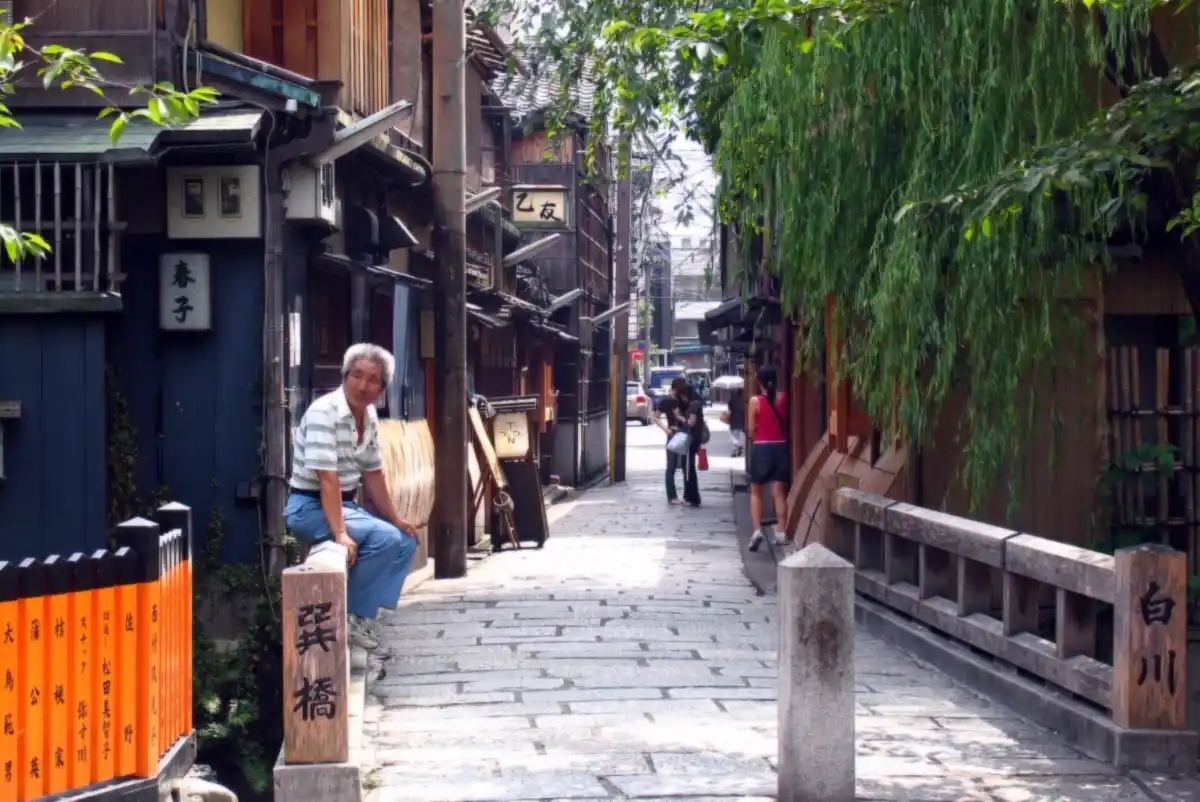
The planCalculate & tune
Your days, in an order that works. Change anything you like.
Each place in your plan lands on a day it is open, with how to get there and where you sleep that night. Move anything and the times update.
Shown playing: Sanjūsangen-dō Temple added to Day 1 after Fushimi Inari Taisha, from 15:17 to 16:37, 23 minutes by train; the bus back reaches the hotel at 16:57, dinner stays at 17:00, and Undo puts the day back.
Day 1 Sun, Nov 8 · 06:00–18:00 · 7 items
Leave Hotel near Kyoto Station 06:28
- 22 minEstimated time: a ride on it has no timetable, only how often it runs. Check before you go
- 1Kiyomizu-dera06:50–08:20

- 17 min
- 2Yasaka Shrine09:37–10:07

- 6 min
- 3Gion Quarter10:13–11:13

- 13 min
- 4Lunch at Nishiki Market11:26–12:26

- 28 minEstimated time: a ride on it has no timetable, only how often it runs. Check before you go
- 5Fushimi Inari Taisha12:54–14:54

- 19 minEstimated time: a ride on it has no timetable, only how often it runs. Check before you goFree 15:13–17:00 · 1h 47m before dinner
Dinner 17:00–18:00
- Hotel near Kyoto Stationarrive 15:13 · check in from 15:00

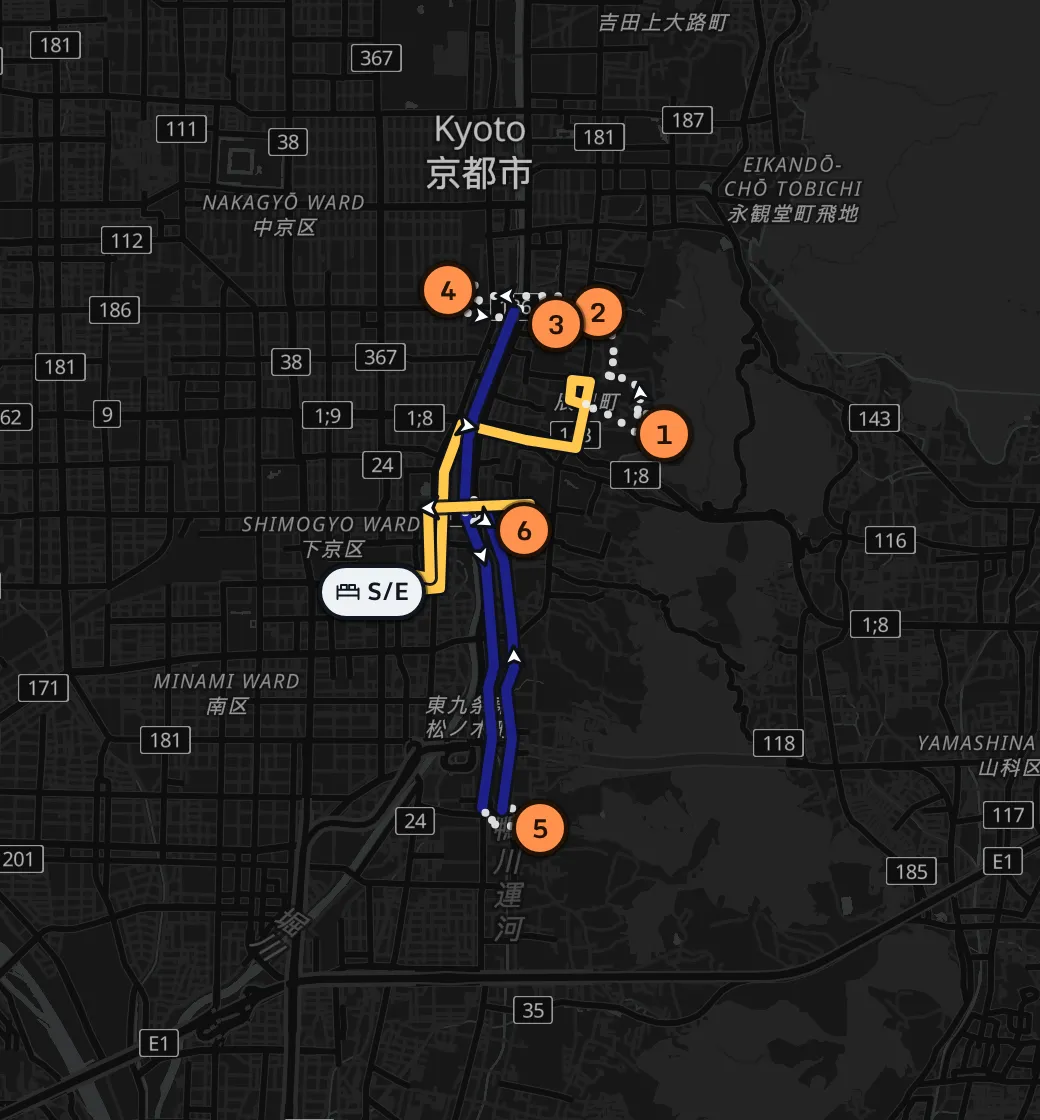
Try changing it yourself: add this example to your trips.
By carAnother trip
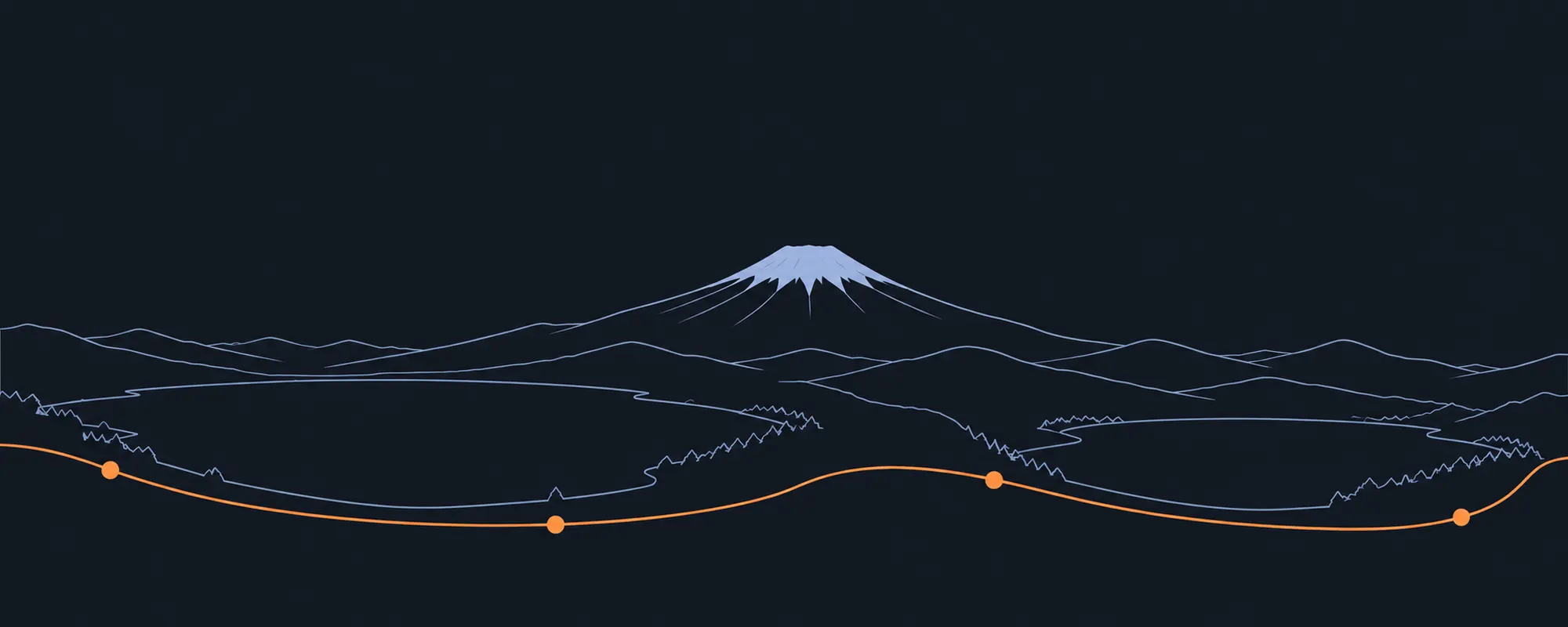
Or drive it: a day around Fuji.
Six places around the Fuji Five Lakes in a rented car, most of them for the view of the mountain, and back by evening.
6 of 6 places6h 30m at places3h 47m drivingback at 18:17
Drive times are routed on the road map, then a fifth is added for traffic and 10 minutes to park.
 © OpenStreetMap · OpenFreeMap · OpenMapTiles
Wed, Nov 11 · by carExample trip
- 06:00Fuji Lake HotelLeave
- 36 min
- 06:36–07:061Saiko Iyashi no Sato Nenba

- 30 min
- 07:36–08:362Ōishi ParkBreakfast 08:36–09:36

- 16 min
- 09:52–11:223Kawaguchiko Museum of ArtLunch 11:22–12:22

- 23 min
- 12:45–14:054Arakurayama Sengen Park

- 34 min
- 14:39–16:095Oshino Hakkai

- 40 min
- 16:49–17:296Yamanakako Panorama-dai

- 48 min
- 18:17Fuji Lake HotelBack
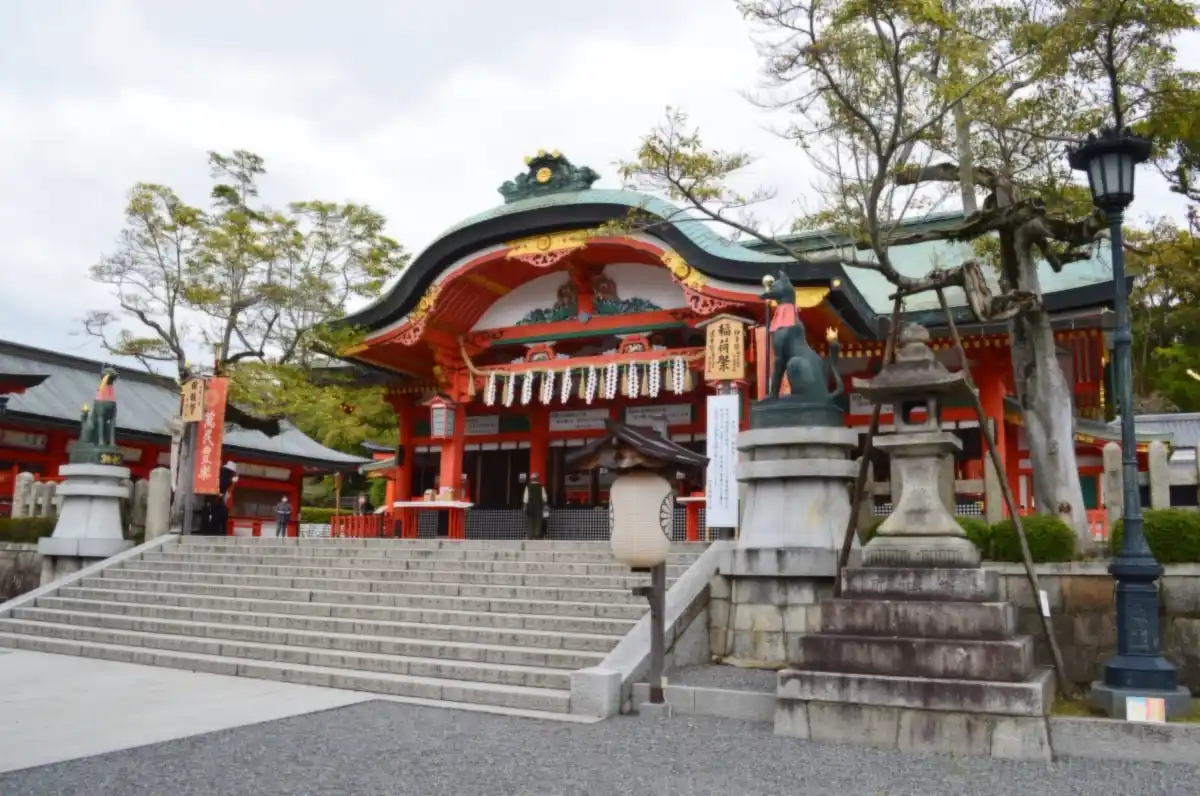
What is different
A plan that works on the day, not only on paper.
Pins on a map leave the order to you. A plan from an AI chat reads well, but nothing checks it: a place shut that day, a ride time guessed, more places than the day can hold.

Pins on a map, or a plan from an AI chat
- One train at a timeA map app times each ride; fitting the day around them is up to you, and a guess looks just like a real time.
- You work out the orderWhich day, which first: by hand, place by place.
- You arrive on its day offThe hours are there, but nothing checks them against your dates.
- Too much for one dayYou find out on the day.
Michiplan
- Planned on trains, buses and ferriesThe whole trip is ordered around the departures on your dates, the wait included. Any estimate says so.
- The order is done for youWhich day and which first, with less time spent riding.
- Places open when you get thereOpening hours checked against your actual dates.
- You know what did not fitAnd why, so you can drop something or add a day.
Features
For the trip you are planning.
By train or by car, with children or on packed days. All of it is free during the beta.
All of Japan to pick from
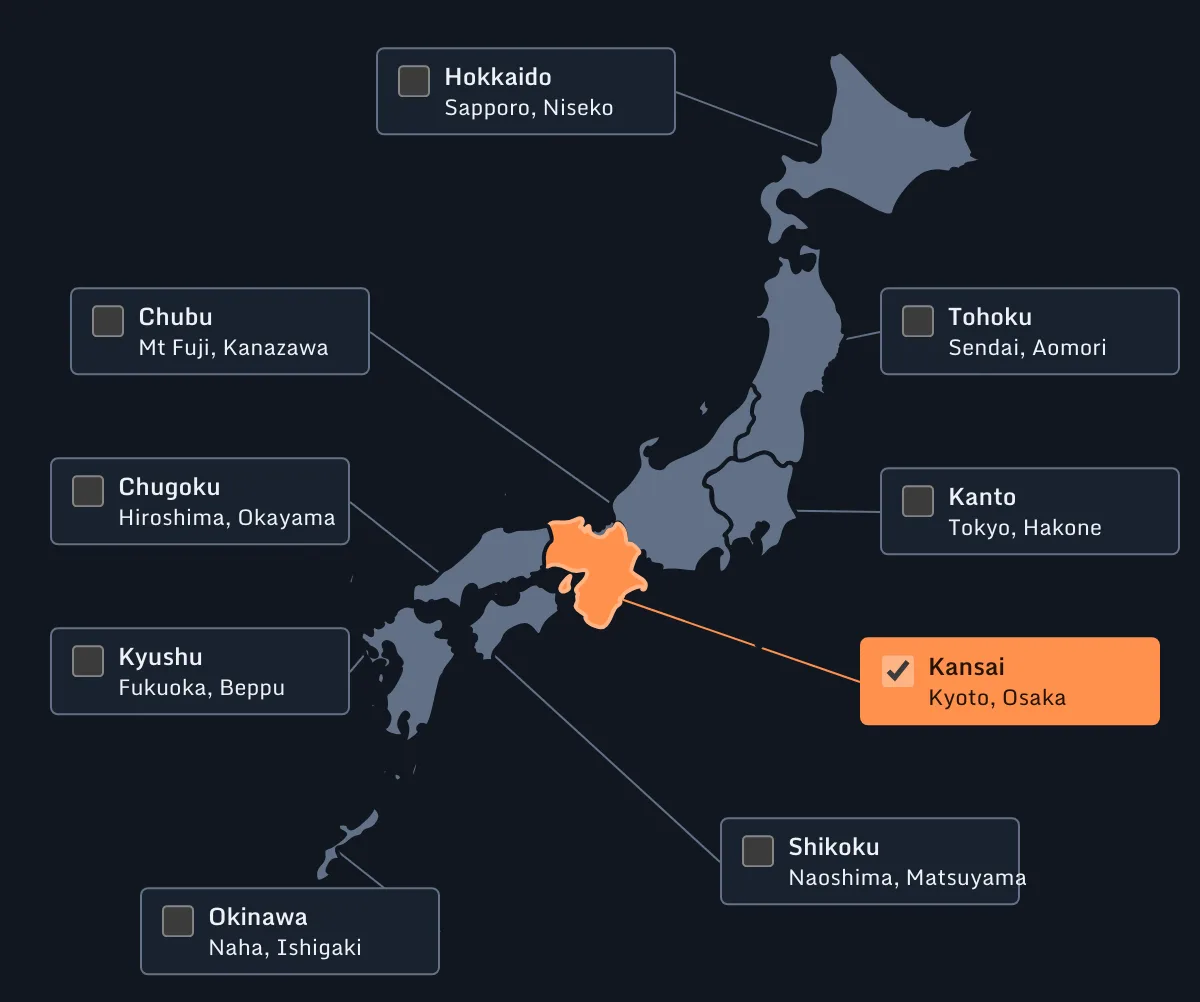
Browse all 47 prefectures by kind or famous list, or paste the places you saved in Google Maps.
Must see, or only if it fits
Rate each place from 1 to 5. Its opening hours are checked against the date it lands on.
Trains, buses, ferries and the car
Each ride is timed from the timetable or the real roads. A time that is only estimated says so.
A hotel each night, at your pace
Your own hotels, or a good area to stay in, planned around your hours, bags and flights.
Every day in order, nothing hidden
The order that keeps rides short, and each place that did not fit, listed with the reason.
Move anything, the times follow
Drag a place to another day, undo any change, then share a link, print it or add it to your calendar.
See all 33 features
Find places
Paste a Google Maps link
A saved place comes in with its name and location.
Where a view is seen from
For a mountain such as Fuji, the places to see it from, one tap to add.
Anywhere in Japan
All 47 prefectures, by kind or by famous list.
Drop a pin
Add a spot that is not listed, straight from the map.
Photos of each place
On every card and in its details.
The nearest stations and stops
Stations within 2 km and stops within 500 m of each place.
Your places
A priority from 1 to 5
Must visit, or only if it fits.
Opening hours by weekday
Closed days and twice-a-day openings, and you can edit them.
How long to stay
And the shortest visit, used before a place is dropped.
A best time of day
Morning, midday, afternoon, evening or your own hours, for a place that is better then.
Getting around
Your own timetable
Type the times, or paste a station timetable copied from a timetable site.
Rail, bus and ferry maps
Every line and station drawn on the map, switched on when you want them.
Departures from a station
Tap a station or stop for its departures, or links to its timetable.
Every way between two points
Pick a place or station, then another, and see each way on the map.
Road and walking times
Door to door for each pair, which you can change.
Exact or estimated
Every time says whether it came from a timetable.
Your trip
A rented car
The days you drive, the longest drive in a day, and a taxi where no train goes.
Gentler walking
The longest walk in one go, the walking in a day, and a slower pace.
The hours of your day
Relaxed 09:00 to 18:00, Normal 08:00 to 20:00, Packed 06:00 to 21:00, or your own for each day, with breakfast, lunch and dinner.
Your bags
Where to leave them on a moving day, and when to pick them up.
Flights and airports
Your flight times, and which airport to arrive at and leave from.
Who is going, and the budget
Adults and children with child fares, costs you know, and time or money first.
A hotel for each night
From the hotels you add, or an area it suggests.
The plan
What was left out, and why
A place that did not fit is listed with the reason.
A search you can watch
It shows what it is doing while it works, and you can stop it.
Search longer when something is left out
If a place did not fit, one tap gives the search several minutes more to find room for it.
Fares
For the whole group or per adult.
Places to eat
A few choices for each meal, near where you are.
Calendar and table views
The days as a chart, or as a table to read down.
Change and share
Drag anything, undo anything
Move a place to another day or time, and every change can be undone.
A link to share
A view-only plan with directions and maps; stop sharing at any time.
Bookings and notes
Kept on the day they belong to.
A calendar file and print
Add the trip to your calendar, or print it.
Questions
Common questions
What does it cost?
Nothing during the beta: every day of up to 5 trips, printing and sharing included. If that changes, you will hear first.
Will it tell me if the JR Pass is worth it?
Not by itself. It adds up the fare of every ride in your plan, for the whole group or per adult, so you can set the total beside the price of a pass.
How many days do I need?
Add the places you want and the days you have. If they do not all fit, the plan keeps the ones you want most and lists the rest, each with why it was left out, so you can see what one more day would buy.
I do not know what to see yet. Can it help?
Yes. Browse the map of all 47 prefectures by kind, or by famous lists such as the Top 3 views, and add what you like. It does not pick for you: you say how much each place matters.
Can I plan Tokyo, Kyoto and Osaka in one trip?
Yes, in one trip of up to 16 days. The plan decides which days you spend in each city, and the trains between them.
Are the train times real?
Where a line publishes its timetable, each ride is timed to its departures on your dates. Where it does not, the ride is estimated from how often the line runs and marked Estimated, and you can type the times in.
Does it book anything?
No. Tickets, hotels and reservations stay with you. Michiplan gives you the plan to book from.
Can I use it on my phone in Japan?
Yes. Plan on a laptop, then take it with you: open it on your phone, share a link, add it to your calendar or print it.
Can it plan easier days for children or older parents?
Yes. Choose Relaxed days (09:00 to 18:00) or your own hours, cap how far anyone walks, slow the walking pace and allow more time to change trains. Children get child fares. Step-free access is not checked.
Can I change the plan once it is made?
Yes: drag a place to another day or time, undo any change, or calculate the trip again.
Who can see my trips?
You, anyone you share a link with, and the people who run Michiplan, who may look at trips to fix problems and improve the planning. Nobody else. Trips are saved to your Michiplan account, which you sign in to with Google. Michiplan shows no ads, does not sell your data, and sets analytics cookies only if you allow them. Privacy

Start free